 Free beta
Your stream's
local superpowers.
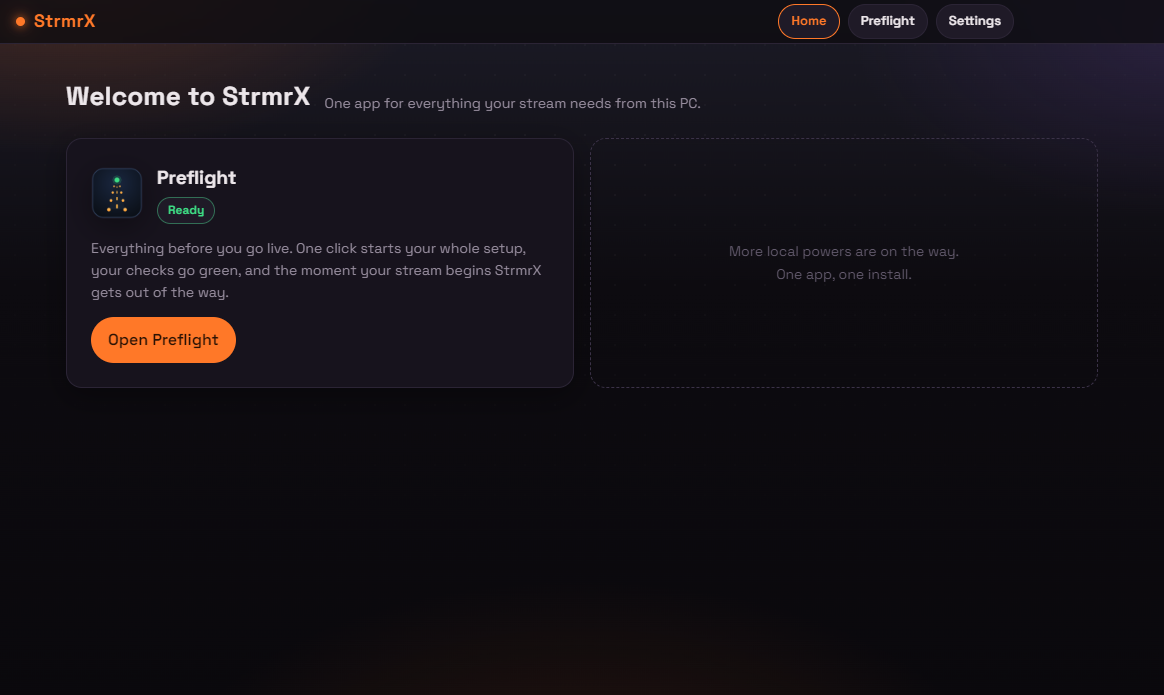
The one desktop app StrmrX will ever ask you to install. Everything your stream needs from your PC lives here, as modules in a single app.
Preflight
Everything before you go live.
Launch it all
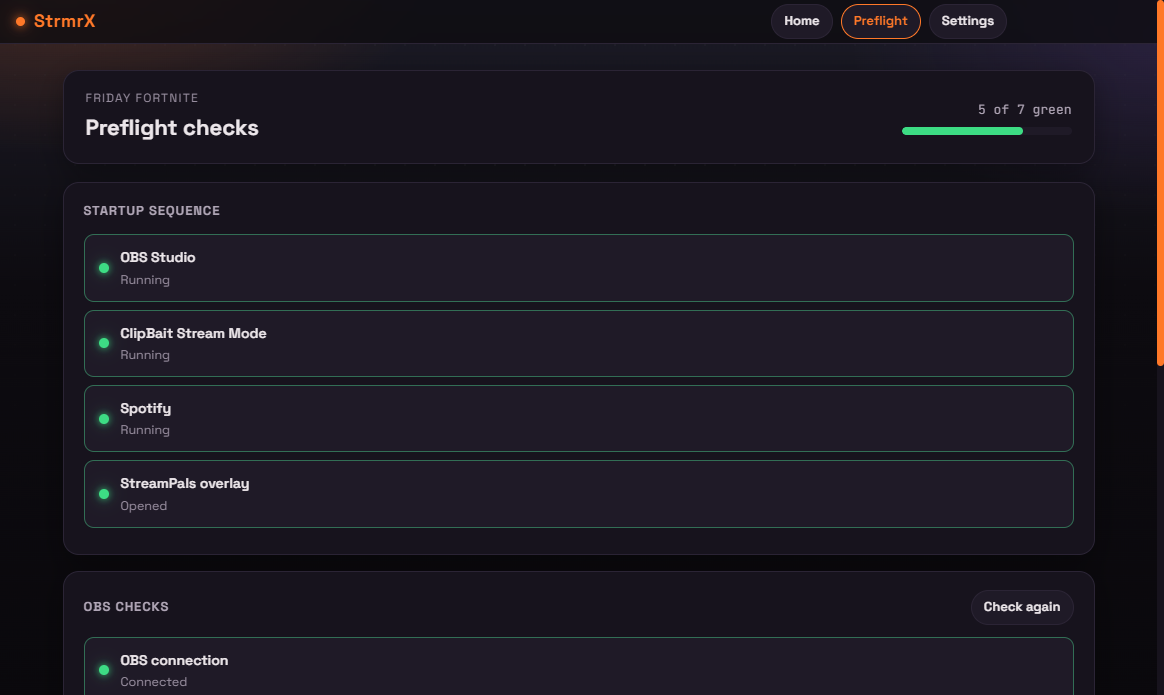
One preset opens every app you stream with, in order, with a breather between each so your PC keeps up. OBS, music, chat tools, overlays, all of it.
Pass the checks
It talks to OBS directly: mic open, right scene collection, right starting scene. Add your own checklist for the rest. Water on the desk. Phone on silent.
Then it vanishes
The moment your stream starts, the app closes itself. Zero extra load while you are live. After the stream, one click closes everything it opened.
Windows may warn about a new app the first time you run the installer. Click More info, then Run anyway. The StrmrX app runs fully on your PC and only talks to your own OBS.